Beautiful Web Apps for n8n.
Skip Building the Frontend.
Drag and drop your workflows into white-labeled applications with secure access and live analytics.
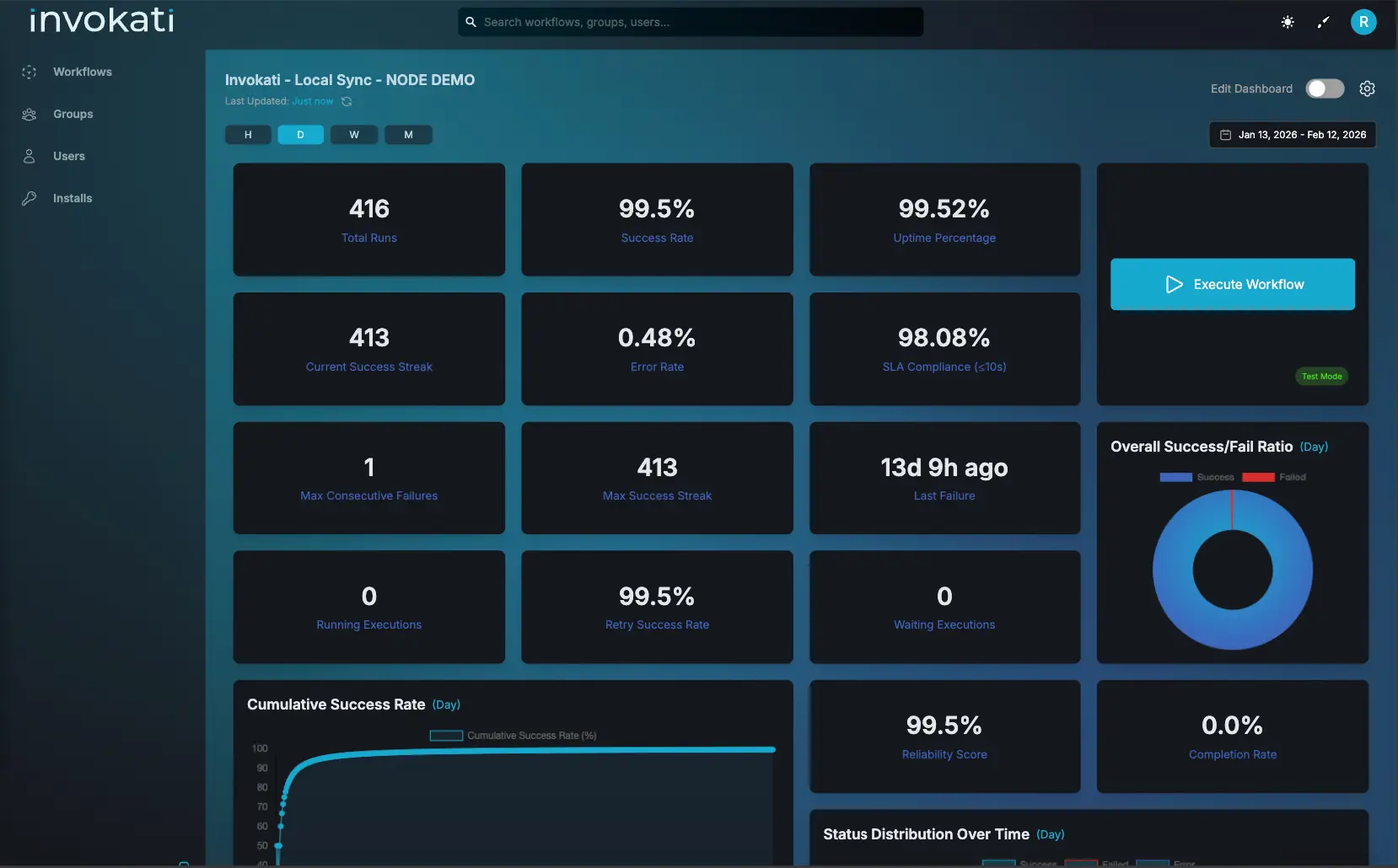
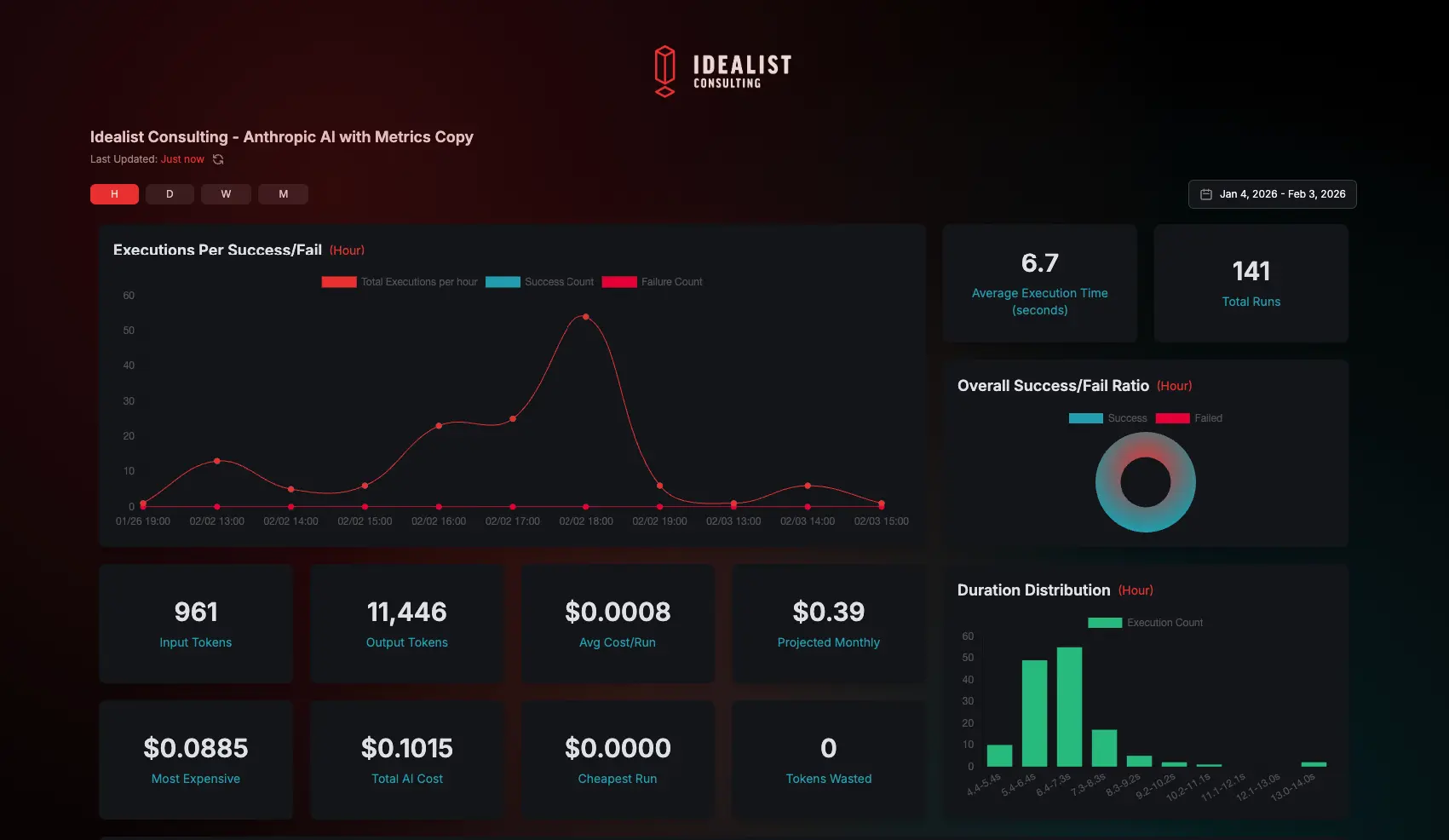
Dashboard Preview
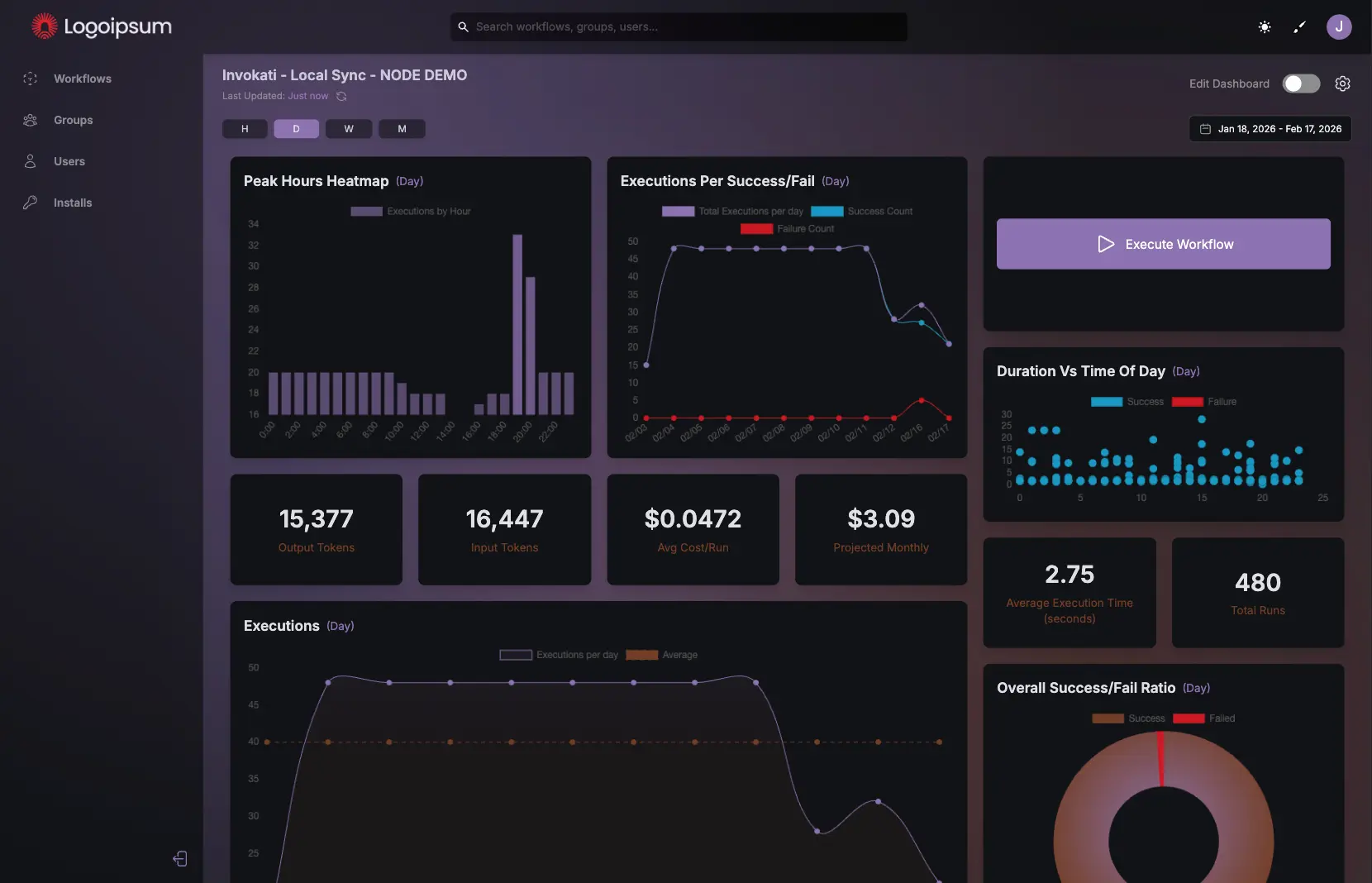
Workflow Analytics
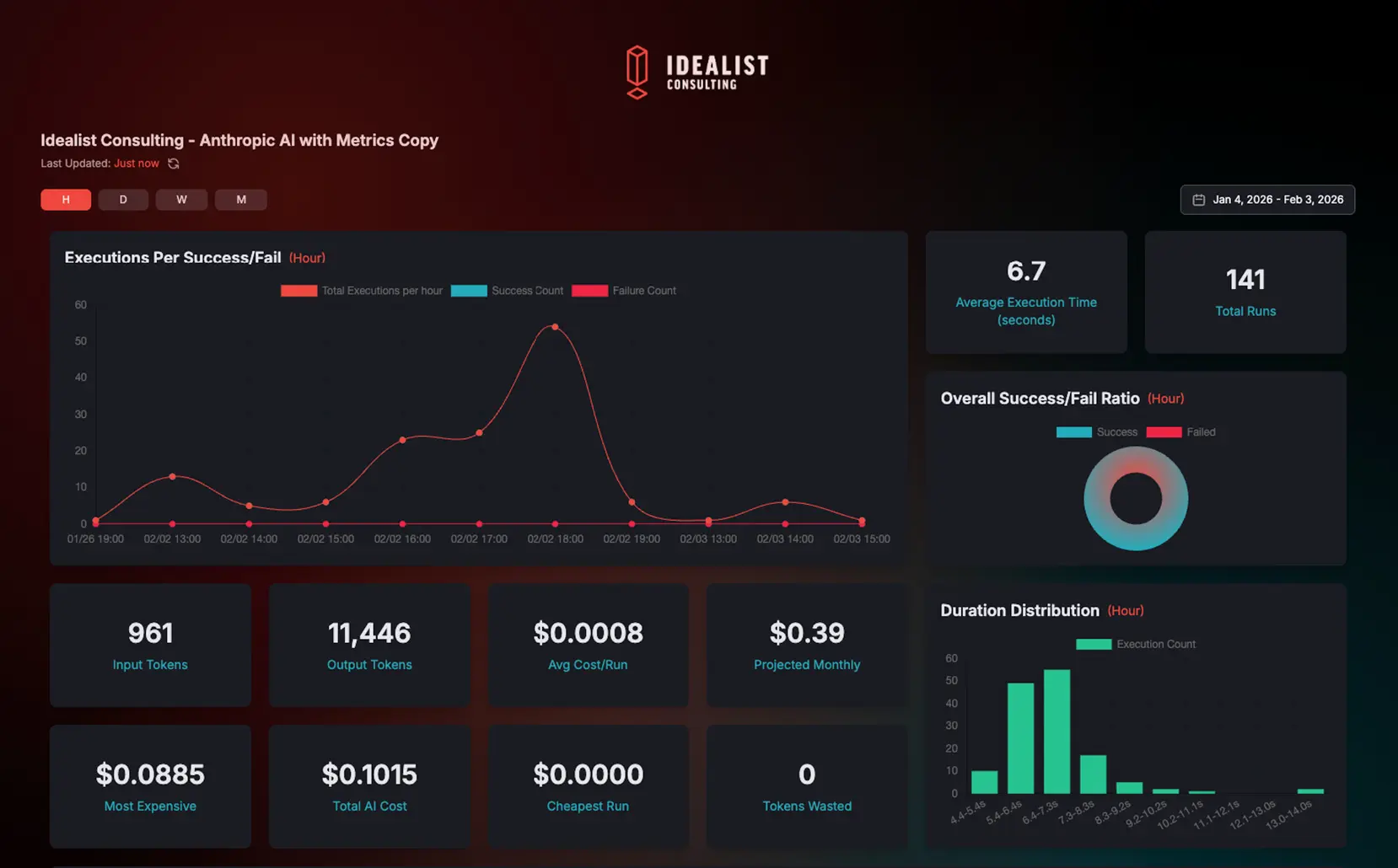
Workflow Analytics
Custom Dashboards
Dashboard Preview
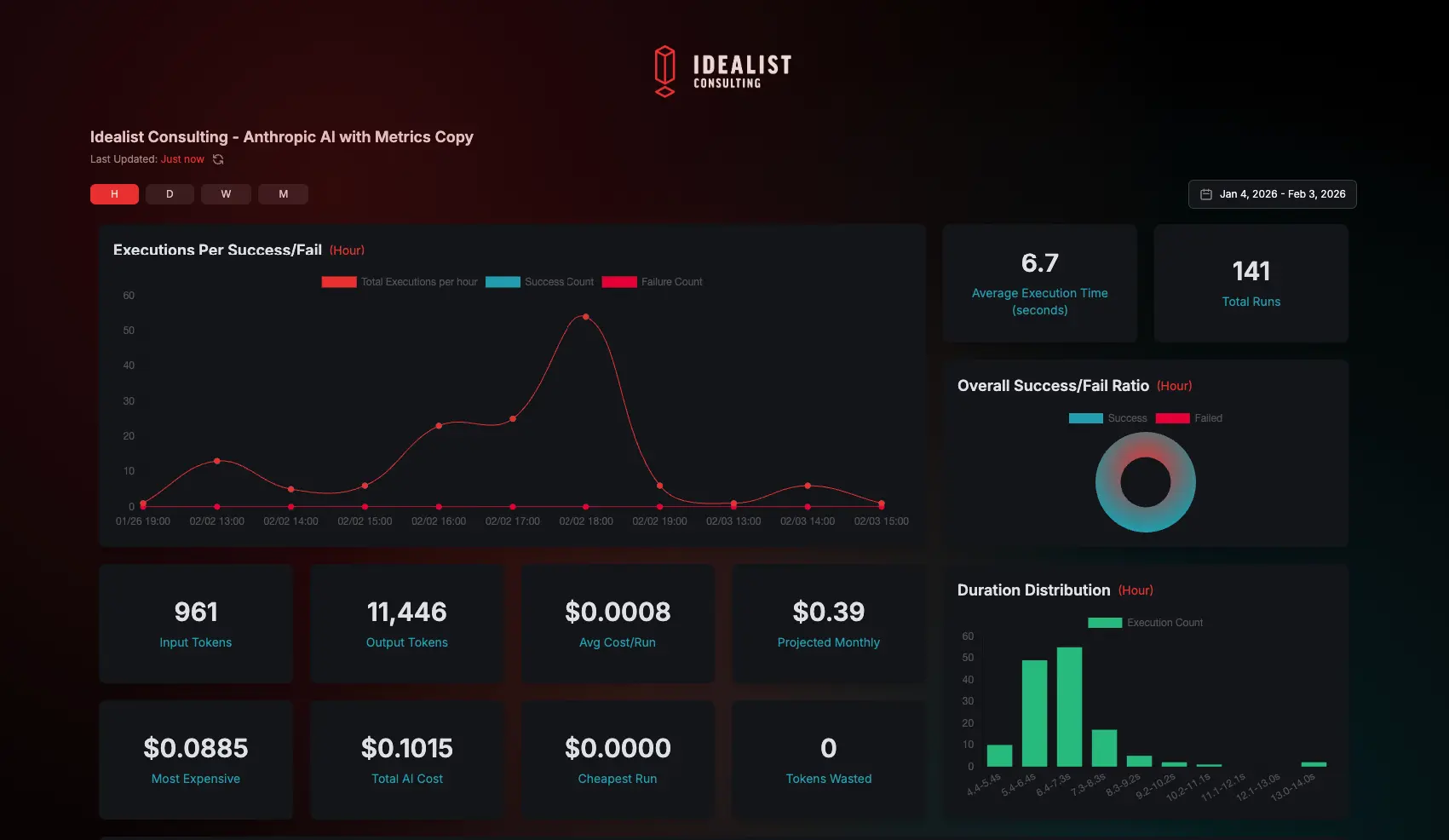
Real-Time Monitoring
Team Collaboration
How It Works
Turn your n8n workflows into secure, client‑ready dashboards in four steps.
Connect Instance
Paste your n8n URL and API key to create a secure connection.
Select Workflows
Choose which workflows to turn into dashboards.
Create Group
Organize workflows to control access and visibility for each audience.
Add Users
Users receive a secure link to create a password and log in to their dashboards.
Try It Live
A fully interactive demo — toggle edit mode and drag and drop to customize.
Executions
Overall Success/Fail Ratio
Token Usage Over Time
Duration vs Time of Day
Token Usage Logs
| ID | Model | Status | Input Tokens | Output Tokens | Total Tokens | Input Cost | Output Cost | Total Cost | Date |
|---|---|---|---|---|---|---|---|---|---|
Connect to n8n
Trigger Node
- 1.Click button above to copy the pre-configured webhook node
- 2.Open your n8n workflow editor
- 3.Press Ctrl+V (or ⌘+V) to paste
- 4.Connect node to your workflow
Pro Tips
Test mode: Click Listen for Test Event in the webhook node to activate it before firing from the dashboard — n8n only receives test data while listening.
Production mode: Save and activate your workflow (toggle it on) so the production webhook is always-on and ready to receive dashboard triggers.
Capture Lead Node
- 1.Replace the example field values with dynamic data from your workflow
- 2.Open your n8n workflow editor
- 3.Press Ctrl+V (or ⌘+V) to paste
- 4.Connect node to your workflow. Only
first_name,last_name, andemailare required
Pro Tip — Duplicate Handling
Duplicate detection runs automatically on email. Append ?on_duplicate=update to the URL to update existing records instead of ignoring them — great for enrichment workflows that re-process the same contacts.
Custom Payload Node
- 1.Replace example values — the
payloadfield accepts any JSON object andtask_typeis free-form text for categorization - 2.Open your n8n workflow editor
- 3.Press Ctrl+V (or ⌘+V) to paste
- 4.Connect node to your workflow
Pro Tip — Human-in-the-Loop
Set human_interaction to true to pause the workflow and queue a review card in the dashboard. Once a reviewer approves or denies, the decision is sent back to n8n via webhook so your workflow can branch on the outcome.
Post Media Node
- 1.Replace example values — only
titleandmedia_typeare required - 2.Open your n8n workflow editor
- 3.Press Ctrl+V (or ⌘+V) to paste
- 4.Connect node to your workflow
Pro Tips
Auto-resolved metadata: YouTube and Vimeo URLs automatically populate thumbnail_url and embed_url — you don't need to set those fields manually.
Auto-create collections: Pass collection_name instead of collection_id and the collection will be created automatically if it doesn't exist yet.
AI Token Usage Tracking Node
- 1.Fill in
input_tokensandoutput_tokensfrom your AI node's output and setmodel_idto the model you used - 2.Open your n8n workflow editor
- 3.Press Ctrl+V (or ⌘+V) to paste
- 4.Place after every AI node — one tracking node per model call for accurate per-execution cost breakdown
Pro Tips
Model IDs matter: Use the exact model identifier string (e.g. gpt-4, claude-3-opus-20240229) for cost to be calculated — unknown model IDs are stored but priced at $0.
Aggregated stats: View total cost and token history for this workflow at /api/token-usage/{workflow_id}/stats.
Pro Tips
Chain all nodes in one workflow: Trigger → AI step → Capture Lead → Post Custom Payload → Log Token Usage. Each node is independent so you can add or remove them without breaking the chain.
Pass execution context forward: Use ={{ $workflow.id }} and ={{ $execution.id }} in every node — this links leads, payloads, media, and token records back to the same run for full traceability.
Use human_interaction: true as a gate: Any node that posts to the API can pause the workflow for human review. Set it on Custom Payload or Media nodes when the output needs sign-off before the workflow continues downstream.
Rate limit awareness: The trigger endpoint is limited to 60 requests per minute. For batch processing, use n8n's built-in rate-limiting or introduce a Wait node between iterations.
Share Dashboard
Public Dashboard
This dashboard is public. Anyone with this link can view it.
Delete Execution
Are you sure you want to permanently delete execution? This will delete the data from your n8n installation.
Delete Token Usage
Delete all token usage records for execution? This cannot be undone.
Delete Executions
Are you sure you want to delete? This will remove the data from your n8n installation.
Delete Token Records
Are you sure you want to delete token usage for? This cannot be undone.
Apply Template
This will replace your current dashboard layout. Continue?
Delete Template
Are you sure you want to delete this template? This cannot be undone.
Permanently Delete Executions
This will permanently delete from Invokati and your n8n instance, including token usage logs and custom payloads. This cannot be undone.
Drag. Drop. Ship.
Create dashboards your clients instantly get — with built‑in access control and white‑labeling, so your team doesn’t have to reinvent the wheel.
80+ Drag & Drop Widgets
- Stat Cards - Success rates, execution counts
- Charts - Line, bar, pie, doughnut
- Tables, Gauges, Timelines, Heatmaps
Real-Time Analytics
- Live execution monitoring
- Success/failure ratios
- Duration trends & hourly distribution
White-Label Branding
- Custom color schemes
- Upload client logos (light + dark)
- Subdomain routing (client.yourdomain.com)
Secure Authentication
- Role-based access control
- Hierarchical permissions (Team → Workspace)
- User management interface
n8n Form Integration
- Trigger workflows from dashboards
- Custom form builders
- Real-time execution feedback
AI Token Usage Tracking
- Track OpenAI, Anthropic, Google AI
- Per-workflow cost breakdowns
- Input/output token metrics
Custom Subdomain Routing
- Each client gets: client.yourdomain.com
- Automatic session management
- Custom domain support
Dashboard Templates
- Save layouts as reusable templates
- Quick client onboarding
- One-click deployment
Custom n8n Nodes
- Execute Workflow Button node
- AI token cost tracking & analysis
- Drop-in replacements, instant setup
Designed for production ready n8n workflows.
Powered by a handcrafted library of purpose‑built widgets — no AI‑generated UI shortcuts.
From Solo Builders to Enterprise Teams
Solo Builders
- Give clients a branded portal without building one
- Package your automations as a deliverable
- Charge for ongoing access, not one-off builds
"Turn your workflows into a product"
Automation Agencies
- Ship n8n dashboards instantly
- White-label with client branding
- Track AI costs per client
"From contract to dashboard in one day"
Internal Teams
- Department-specific dashboards
- Executive analytics views
- Cost allocation tracking
"One dashboard for everyone, tailored access"
Set up your n8n app in 30 seconds
No credit card. No setup fee. No developer required.
Frequently Asked Questions
You absolutely can, but here's why you shouldn't:
Vibe coding is great for getting a concept live fast, but managing multiple client stack requirements takes real infrastructure.
Here’s why Invokati wins over a bespoke "vibe‑stack":
- The Maintenance Tax: That slick script from Tuesday feels great—until you’re juggling widget edits, client logins, and a dozen custom dashboards by Friday. Invokati handles all the heavy lifting: secure authentication, unified client management, and an infrastructure that lets you drag‑and‑drop updates without breaking a thing. No patching auth flows, no scrambling for schema fixes—just smooth, scalable control in one place.
- Observability vs. Visibility: “I wrote a script that pings me” ≠ a real monitoring system. Invokati gives you historical uptime logs, trend charts, and error insights—features that take weeks to cobble together manually.
- The Bus Factor: If you vibe‑code the whole thing, you are the documentation. Invokati delivers a standardized, white‑labeled interface your team or clients can actually use—no // TODO: fix this later comments required.
- Security & Scale: Handling webhooks, API keys, and user authentication safely isn’t a vibe, it’s infrastructure. Invokati comes built with hardened authentication, header enforcement, and secure data handling baked in.
- Templates & Widgets: Start fast with ready‑to‑use dashboard templates, then expand easily. Add or rearrange widgets through an intuitive drag‑and‑drop builder—no redeploys, no manual layout files.
Use your vibes to build your product’s magic. Let Invokati handle the “boring but essential” layer that keeps it alive, secure, and client‑ready.
The beta will run until we have enough real-world usage data to confidently launch. We need experienced n8n developers and automation enthusiasts to put the platform through its paces—finding edge cases, stress-testing features, and helping us understand actual server loads.
Think of it as a collaborative testing phase where your feedback directly shapes the final product.
Whether you're a seasoned developer or just getting started with n8n, your usage helps us identify what works, what breaks, and what needs improvement before we can set pricing and go live.
You'll need to send that data to us—but we've made it effortless. Just click "Connect to n8n" on your workflow dashboard. A popup appears with a pre-configured HTTP Request node containing your Invokati API key. Copy, paste into your n8n workflow, map your token usage fields (input tokens, output tokens, model name), and you're done.
Once connected, your workflows automatically send token usage data to your dashboard. We handle the rest—calculating costs based on current AI model pricing, aggregating stats, and displaying per-workflow breakdowns with input/output tokens and real-time cost tracking.
We continuously add support for new AI models based on user requests.
Evocati were Rome’s veterans, called back from retirement for critical missions.
We’re battle-hardened devs from the dial‑up age. We had floppy disks and weird noises connecting to the internet. After years in the trenches, rescuing agencies from n8n dashboard chaos felt like destiny.
“Invoke” is just our word for triggering automations. Evocati + “invoke” = Invokati: a frontend‑first platform that spins up web apps for n8n, so you don’t have to.